Cart and sign-in on the storefront
This page describes what a shopper experiences on the storefront — how long the cart survives, what happens to it when they sign in, and how the name they type at checkout is stored. Almost all of it is automatic; the owner has nothing to switch on.
The cart lives 30 days
A shopper's session on the storefront is short (about two hours of
inactivity), but the cart is not tied to it. Every change to the cart is also
saved on the server under a random token kept in a browser cookie
(cms9_cart):
- the cart comes back on the next visit from the same browser, even days later — no sign-in needed;
- the 30-day lifetime is sliding: every visit that touches the cart extends it by another 30 days;
- a cart nobody has opened for 30 days is dropped.
The cookie holds only a random token; the goods themselves stay on the server. Clearing browser cookies therefore empties the cart for that browser.
Sign-in merges the carts
When a shopper signs in (or registers) on the storefront:
- the guest cart from this browser is merged with the cart saved under their account from an earlier visit — all lines from both are kept; if the same product is in both, the quantity from the current (guest) cart wins;
- the merged cart becomes the account's saved cart — one per customer;
- on sign-out the cart cookie is removed, so the next person at the same computer does not inherit the cart; the account's cart is restored on the next sign-in.
The saved cart is also what the abandoned-cart tools (Leave cart reminders, automations) see for signed-in customers.
Cart persistence and merging are always on. There is no setting for the lifetime — it is 30 days on every ECMS9 site.
"Remember me" in the admin panel
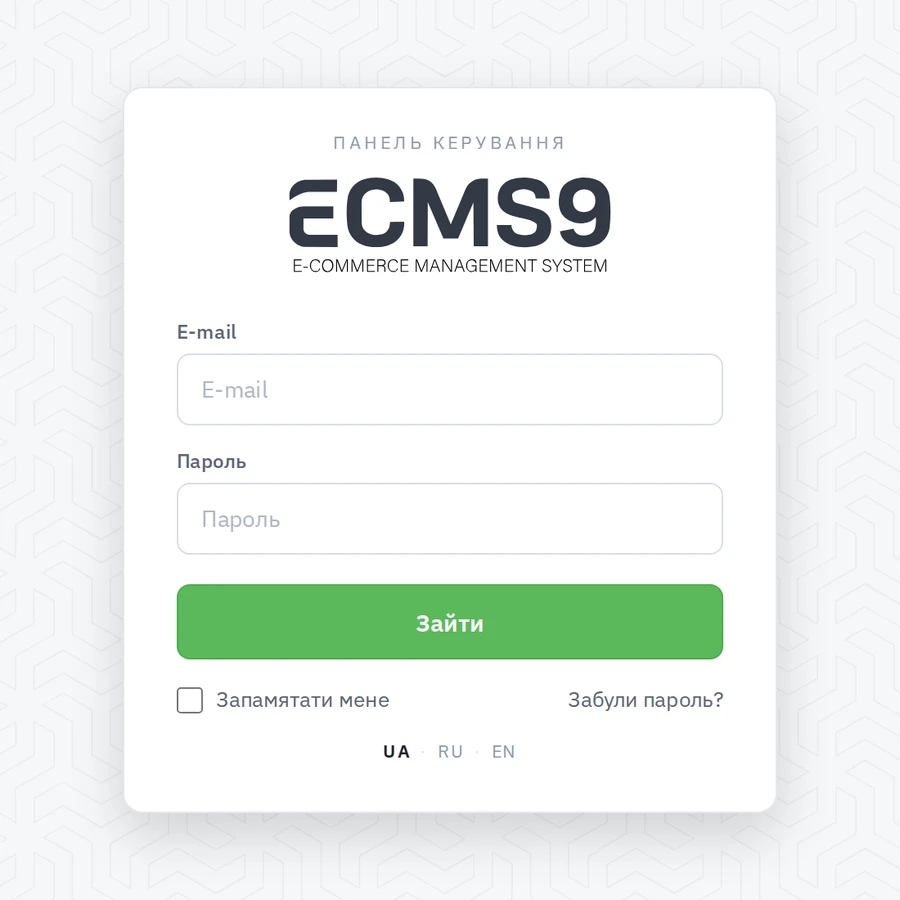
The sign-in form of the admin panel has a "Remember me" box. Tick it and the browser keeps you signed in for 30 days: opening any admin page after the session expired silently signs you in again (and, since the admin and the storefront share one session, you are signed in on the storefront too).
- The cookie is bound to this browser; on sign-out it is revoked.
- Changing or resetting the password, or the account being banned, revokes all "remember me" sign-ins of that user everywhere.
- Up to 10 remembered browsers per user; the oldest is dropped when an eleventh appears.
Storefront sign-in forms have no "remember me" — a customer's session follows the usual two-hour rule, but their cart is kept regardless (see above).
The name at checkout
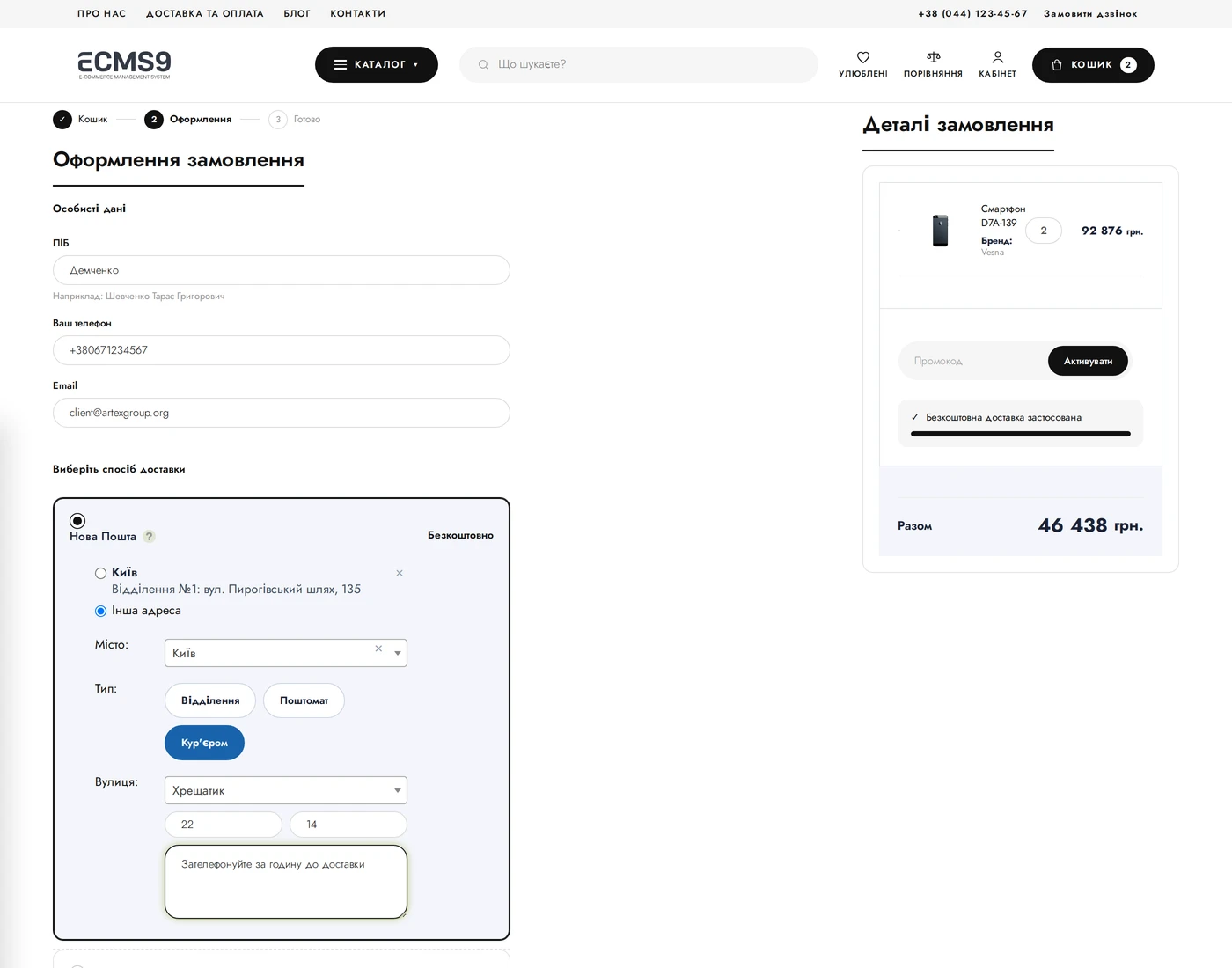
The checkout form asks for one name field, labelled "Last name First name Patronymic" in the standard themes. ECMS9 splits it on the server:
| Part | Where it is stored |
|---|---|
| last name | the order's main name field (shown in the orders list) |
| first name | order field "First name" |
| patronymic | order field "Patronymic" |
Why it matters: Nova Poshta requires a separate last name, first name and patronymic to create the recipient, and the waybill form is pre-filled from exactly these parts. The split is smart about word order — "Іван Петренко" and "Петренко Іван" both land correctly; a patronymic is recognised by its ending ("‑ович", "‑івна" and so on). If the shopper typed a single word, it is kept as the last name so the order is never nameless.
The two extra fields are created on the site automatically and are hidden — they are storage, not extra boxes on the form. For a signed-in customer the same parts are written into the profile, but only into slots that are still empty, so nothing typed earlier is overwritten.
On the order edit page you see and edit the full name as one line; it is split again on save, so the Nova Poshta parts always match what you see.